
Free tool Production rates · durations
Free production rates and duration checker for civil and infrastructure work
Roads, bridges, water and sewer, pipelines, rail, airports, renewables, tunnels and marine work. Turn a quantity into a duration you can defend, or test the one in a schedule you were given. Every rate has a low, typical and high value, the crew it assumes, what limits it and the published source it came from. Everything runs on this computer: nothing is sent anywhere.
The checker
| Work item | Low | Typical | High | Spread | Basis | Source |
|---|
Season
The same quantity takes longer in the wrong month
Weather-sensitive work is planned against the local season, not padded. Pick a location in tab 06 and the months below are scored with the same rules as the Weather page of Trestle Path Analytics: mean temperature for paving, concrete and earthworks, the wet season for ground-condition trades, and the in-water window for work in watercourses.
How the ranges are built
Six rules behind every number
A production rate is only useful if you know what it assumes. These are the rules the checker follows, so you can tell when a rate fits your job and when it does not.
Until you press play, this page does not contact YouTube.
Video tutorial · 11 min
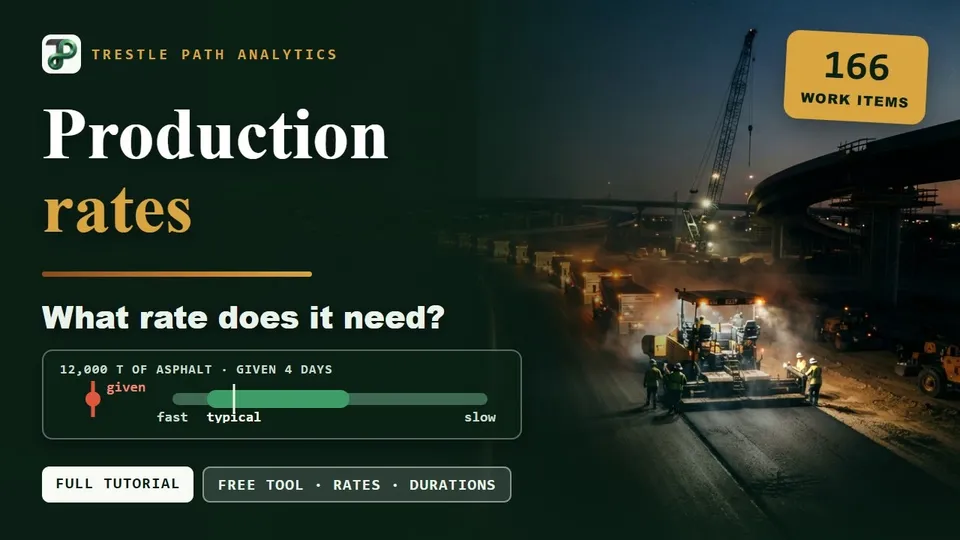
Is 4 days for 12,000 t feasible?
Why durations come from quantities, then every tab of the checker on one worked example: the asphalt job in the example check at the top of this page.
- 0:00Welcome
- 0:34Why durations come from quantities
- 1:26Opening the page
- 2:06Choosing a work item
- 2:37The standard day and the range
- 3:18From a quantity to a duration
- 3:55Checking a duration you were given
- 5:04What changes the duration
- 5:52Factors compound
- 6:13Weather goes in the calendar
- 6:34Calendar and season
- 7:35Check a list
- 8:31The rate library
- 9:23Crew calculators
- 10:00Adjustments
- 10:29What the reviewer takes away
- 10:57Close
Questions
Before you rely on a rate
Short answers; the six rules above are the long ones.
Next step
Check every duration in a schedule at once
This page checks one activity, or a pasted list. Trestle Path Analytics reads the whole schedule file in the browser and grades every duration: round numbers, long activities, durations that do not fit the update cycle, and the quantity-driven ones that moved without a reason. The schedule file never leaves your computer: only the numbers the review needs are sent, with names replaced by codes, and nothing is stored.